

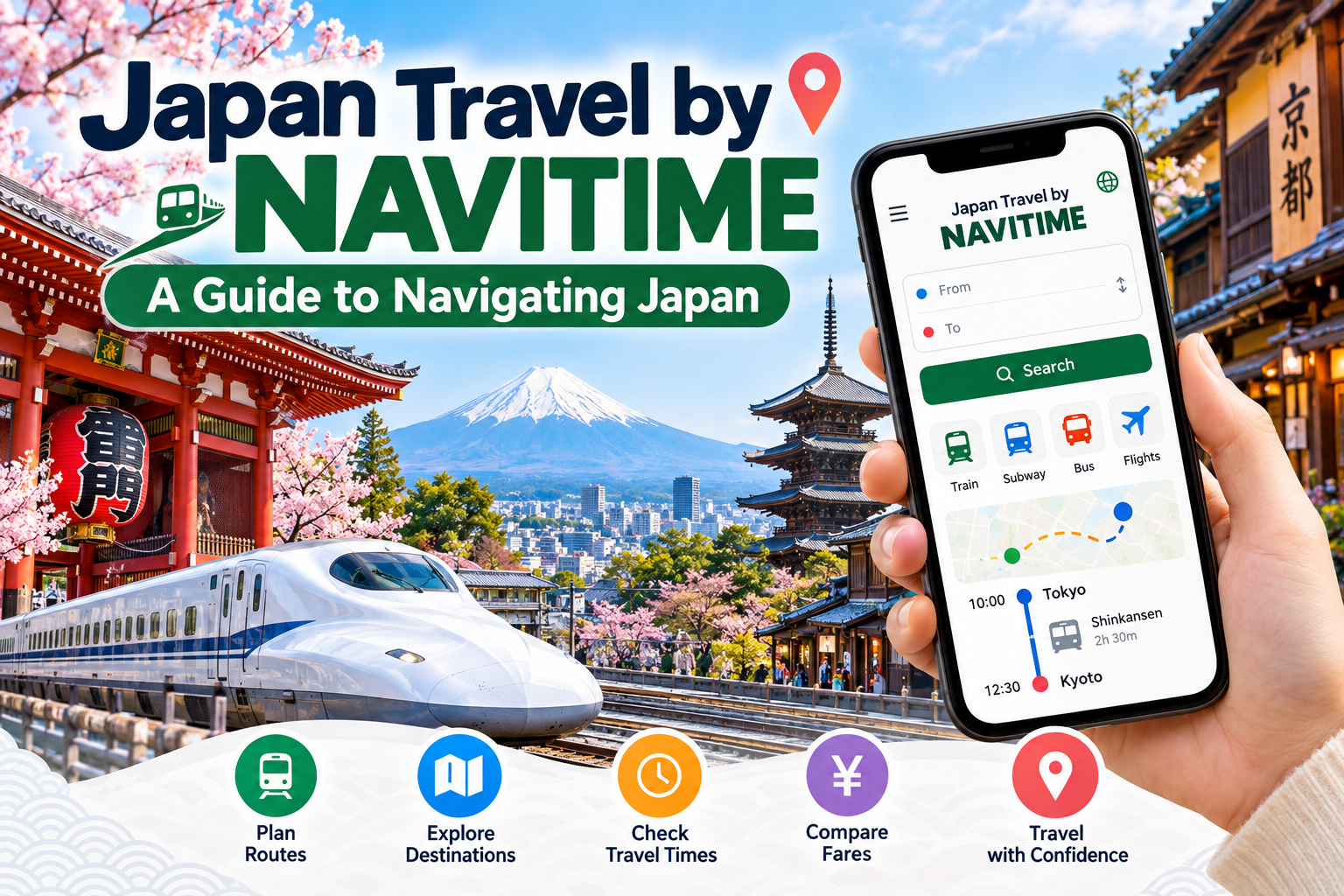
NAVITIME Japan Travel is a navigation app designed to help visitors plan routes, find train schedules, and explore attractions across Japan. It combines offline maps, multilingual support, and real-time transit information, making it a practical tool for first-time travelers navigating Japan’s extensive public transportation network.
Japan’s train network is famous for its precision, but that same complexity can overwhelm travelers who aren’t used to multiple operators, transfer stations, and platform numbers that seem to multiply the moment you need them most. Tokyo Station alone connects dozens of lines across different companies, and a single wrong turn can mean missing a connection or wandering a very large station in search of the correct exit.
This is where NAVITIME, a Japan-based navigation company, has built a reputation among international visitors. Its Japan Travel app is tailored specifically to tourists rather than daily commuters, offering features like offline access, currency conversion, and curated sightseeing routes alongside standard transit directions. For anyone planning a trip to Japan, understanding how this app works, and when to rely on it, can make the difference between a smooth itinerary and a stressful scramble between train platforms.
In this guide, we’ll walk through what NAVITIME offers, how it compares to other travel apps, and practical tips for using it during your trip to Japan.
Table of Contents
What is NAVITIME Japan Travel and who is it for?
NAVITIME Japan Travel is a mobile application built specifically for tourists visiting Japan. Unlike NAVITIME’s original Japanese-language transit app, which serves the local commuter market, the Japan Travel version is designed in English (and several other languages) with features aimed squarely at visitors unfamiliar with the country’s transportation system.
The app is best suited for independent travelers who want more control over their itinerary than a guided tour provides, but who also want reassurance that they won’t get lost between a ryokan in Kyoto and a day trip to Nara. Families managing multiple train transfers, solo backpackers island-hopping through regional lines, and business travelers squeezing in sightseeing between meetings all tend to find value in the app’s route-planning tools.
How does NAVITIME help with train routes and transit navigation in Japan?
Japan’s rail system includes JR (Japan Railways) lines, private railways, and subway networks that don’t always share ticketing or signage conventions. NAVITIME’s core function addresses this directly: it calculates routes between two points, factoring in transfer times, platform locations, and fare costs across multiple operators.
When you enter a starting point and destination, the app provides several route options, typically sorted by fastest, cheapest, or fewest transfers. Each option includes departure and arrival times, which platform to use, and the estimated fare. For travelers using a Japan Rail Pass, this is particularly useful, since the app can help identify which routes are covered by the pass versus which require separate tickets on private lines.
Real-time updates are another key feature. Train delays and service changes happen, even in Japan, and the app reflects schedule adjustments so you’re not left standing on a platform waiting for a train that’s been cancelled.
Can NAVITIME be used without an internet connection?
Yes. One of the most practical features for international travelers is offline map access. Since many visitors don’t purchase a Japanese SIM card or rely solely on hotel Wi-Fi, having maps and basic navigation available without data is a meaningful convenience.
NAVITIME allows users to download maps of specific regions in advance, so you can check your location and nearby points of interest even without an active connection. Note that live transit updates and real-time rerouting typically still require internet access, so downloading offline maps works best as a backup rather than your primary navigation method.
What other features does the Japan Travel app include beyond train routes?
Beyond transit directions, the app includes several tools aimed at trip planning more broadly:
- Sightseeing spot search: The app highlights nearby attractions, restaurants, and points of interest, often with user ratings and basic descriptions.
- Currency converter: A built-in tool helps convert yen to your home currency, useful for budgeting on the go.
- Multilingual support: The interface supports English, Chinese, Korean, and several other languages, reducing the friction of navigating a Japanese-only app.
- Bus and ferry information: In addition to trains, the app covers bus routes and some ferry services, which matters for destinations outside major cities where rail coverage is limited.
- Event and weather information: Seasonal festivals, weather forecasts, and local events sometimes appear within the app, helping travelers plan day-to-day activities.
These additions make the app function less like a pure transit tool and more like a general travel companion, though its strongest feature remains route planning.
How does NAVITIME compare to Google Maps for navigating Japan?
Google Maps is a familiar default for most travelers, and it does a reasonably good job with basic transit directions in Japan’s major cities. However, NAVITIME was built with Japan’s rail complexity as its starting point, which shows in a few specific ways.
Choose NAVITIME if you’re navigating multiple private rail lines in a single trip, since it tends to surface platform-specific details and operator distinctions more clearly than general-purpose map apps. It’s also a stronger choice if you plan to travel without consistent data access, given its offline map functionality.
Choose Google Maps if you want a single app that also handles navigation outside Japan, or if you’re primarily sticking to major city subway systems where transit directions are generally reliable across most apps.
Many travelers end up using both: Google Maps for general wayfinding and restaurant searches, and NAVITIME specifically when planning longer train journeys between cities or regions.
How do you get started using NAVITIME for a trip to Japan?
Getting started is straightforward:
- Download the app from the Apple App Store or Google Play before your trip, so you can explore the interface ahead of time.
- Set your language preference in the app settings to ensure directions and descriptions display in your preferred language.
- Download offline maps for the regions you plan to visit, particularly if you won’t have consistent mobile data.
- Search your route by entering your starting station and destination. Compare the route options for cost, speed, and number of transfers.
- Save frequently used routes or locations, such as your hotel address, so you can quickly reference them throughout your trip.
It’s worth running a few test searches before you leave home, especially for your airport-to-hotel route on arrival day, when jet lag makes complex navigation harder to manage.
What should you keep in mind when using NAVITIME alongside other Japan travel resources?
While NAVITIME is a strong planning tool, it works best alongside official resources rather than as a sole source of information. For broader trip planning, the Japan National Tourism Organization offers official guidance on attractions, seasonal events, and regional travel advisories. For rail-specific details, including the latest on the Japan Rail Pass, the JR Group’s official site provides authoritative fare and coverage information that’s worth cross-checking against app-generated routes.
It’s also worth confirming station exit numbers and platform details in person when you arrive, since large stations like Shinjuku or Osaka Station can have signage that shifts slightly from what an app displays, particularly during construction or temporary service changes.
Making the most of your trip with the right tools
Japan rewards travelers who plan ahead, and tools like NAVITIME remove much of the guesswork from getting between destinations. Rather than treating any single app as infallible, combine NAVITIME’s route-planning strengths with official sources for rail passes and regional travel updates, and you’ll spend less time puzzling over station maps and more time actually enjoying the trip.
Before you go, take a few minutes to familiarize yourself with the app’s interface, download offline maps for your destinations, and save your key addresses. Small preparation steps like these tend to pay off the moment you step off a long flight and need to find your way to a hotel in an unfamiliar city.
Frequently Asked Questions
Is NAVITIME Japan Travel free to use?
The app offers a free version with core navigation features, including route search and basic offline maps. Some advanced features may require a premium subscription, so check the current pricing within the app before relying on paid functionality during your trip.
Does NAVITIME work for travel outside major cities like Tokyo and Osaka?
Yes, the app includes bus and regional train information beyond the major metro areas, though coverage and real-time accuracy may be more limited in rural areas compared to dense urban rail networks.
Can I use NAVITIME to check if my Japan Rail Pass covers a specific route?
The app can help identify route options, but for definitive coverage details on the Japan Rail Pass, it’s best to cross-reference with the official JR Pass website since pass rules can vary by region and train type.
What are the alternatives to NAVITIME for navigating Japan?
Google Maps, Hyperdia-successor apps, and Japan Travel by NAVITIME’s own broader suite of apps are common alternatives. Many travelers use a combination of apps rather than relying on just one.
Who benefits most from using NAVITIME during a Japan trip?
Independent travelers managing multi-city itineraries with multiple train transfers tend to benefit most, particularly those without a local SIM card who need reliable offline map access.
